Restaurants

AI phone answering for restaurants when staff are busy.

Presive's AI receptionist answers restaurant calls, captures reservations, group booking details, allergies, opening-hour questions, and handoffs for staff.

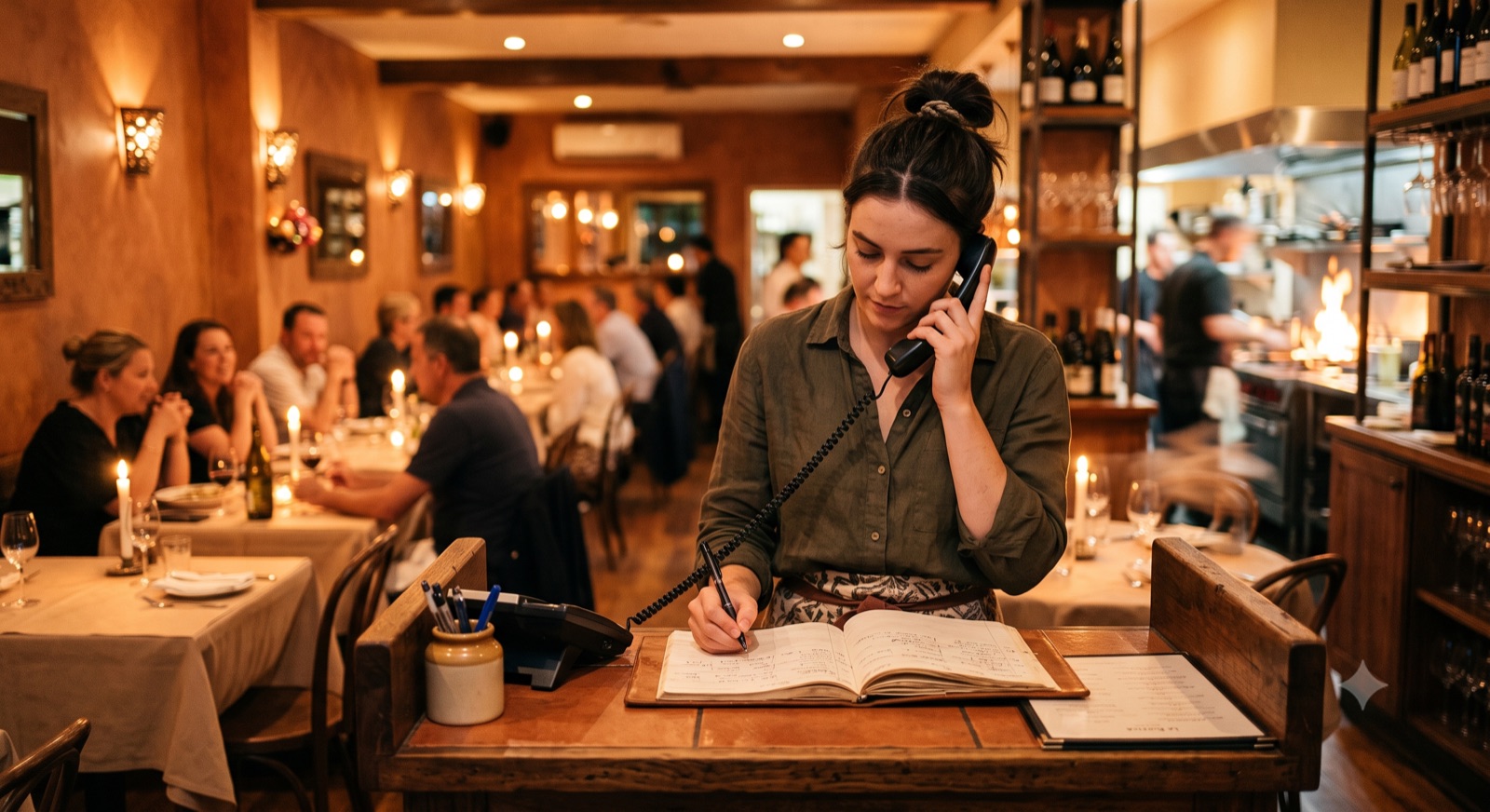
Busy restaurant dining room
Call brief Capture table reservations
  • Reservation capacity rules are fixed
  • Allergy notes are captured without advice
  • Staff handoff for complaints and VIP requests
What Presive can handle

Calls handled clearly, consistently, and by your rules.

See the practical call flows Presive can take care of for your business.

Capture table reservations

The receptionist follows approved availability, service, and handoff rules for restaurants, cafes, small restaurant groups, and hospitality teams that get rush-hour calls.

Answer opening hours and location questions

This workflow is configured during setup and tested before it goes live.

Collect allergy and occasion notes

The call becomes structured information instead of a vague voicemail or missed-call note.

Route private dining or complaint calls

Sensitive or unusual calls can be transferred, flagged, or summarized for a human.

Call flow

From incoming call to useful record.

The AI receptionist does not stop at answering. The point is to turn the call into a lead, booking, confirmation, or handoff your team can act on.

1Caller reaches the AI receptionist
2Approved questions are asked
3Outcome and next step are summarized
Example outcomesummary ready

Capture table reservations

Answer opening hours and location questions

Collect allergy and occasion notes

Lead capturedRules followedHuman handoff available
FAQ

Restaurants questions

Yes. Presive's AI receptionist is configured around the call types, approved answers, booking rules, and handoff rules for restaurants, cafes, small restaurant groups, and hospitality teams that get rush-hour calls.

No. Presive is done-for-you: the call flow is mapped, configured, tested, and tuned before launch.

Presive's AI receptionist can transfer, flag, or summarize the conversation for your team according to the handoff rules approved during setup.

Calm modern office
Next step

Map this call flow for your business.

Done-for-you setup. First demo from 24 hours.