Approach
How a project runs
Four stages, and something you can look at every week.
The weeks below, as dates. Nothing is skipped for holidays, and a stage moves when a sign-off does.
Week 1-2
Strategy
One idea, a sitemap, and a written brief you sign off on.
You get
- The one idea, on one page
- Sitemap and content plan
- First draft of the key copy
The one ideaConcrete and Light
Architecture needs more than a beautiful opening image. A visitor should be able to imagine how a space works, what it feels like and where their own project could begin.
Week 2: the one idea, on one page Week 3-5
Design
Real pages in the browser, not slides.
You get
- Type and color system
- Desktop and phone pages you can click
- Art direction for the images
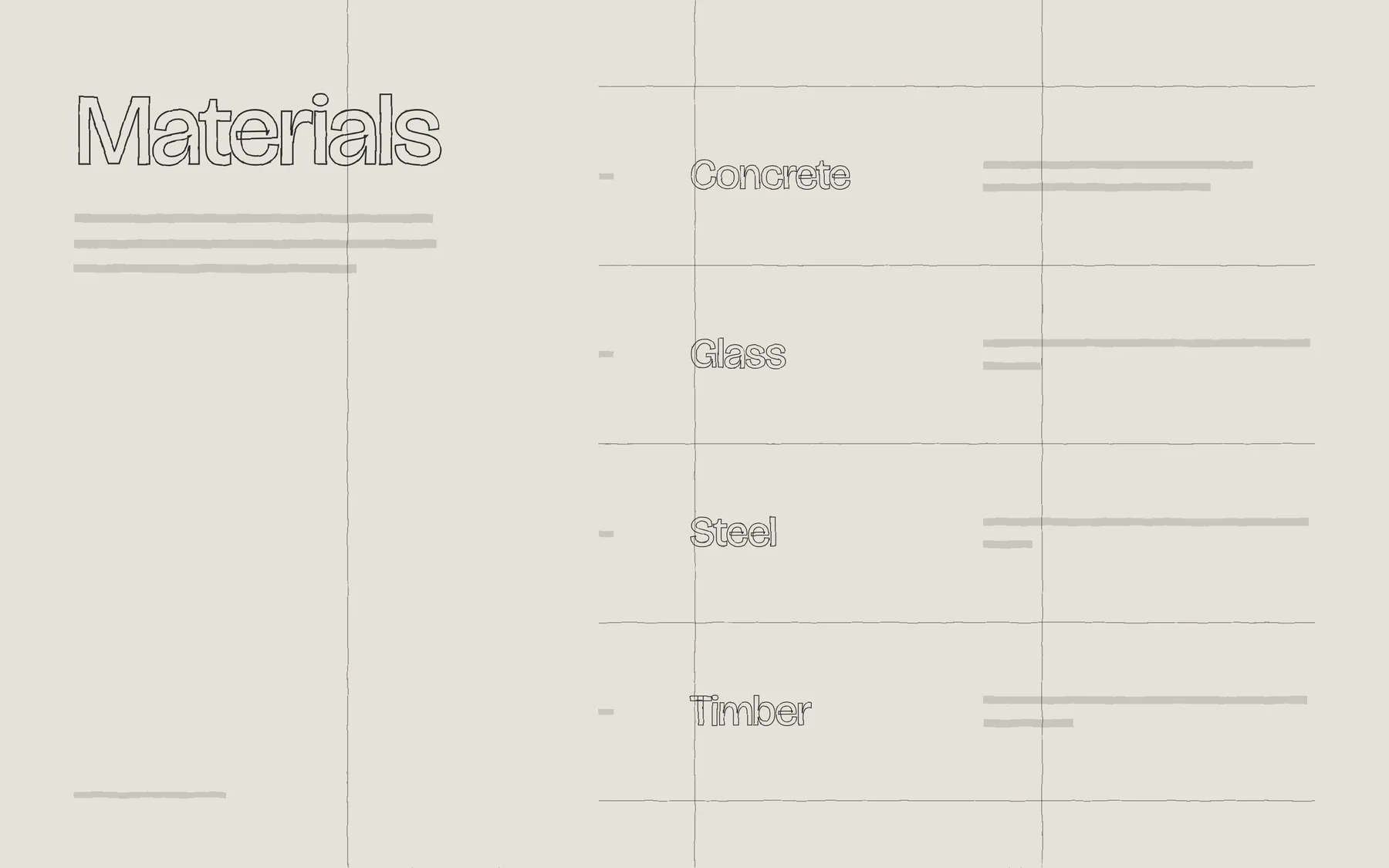
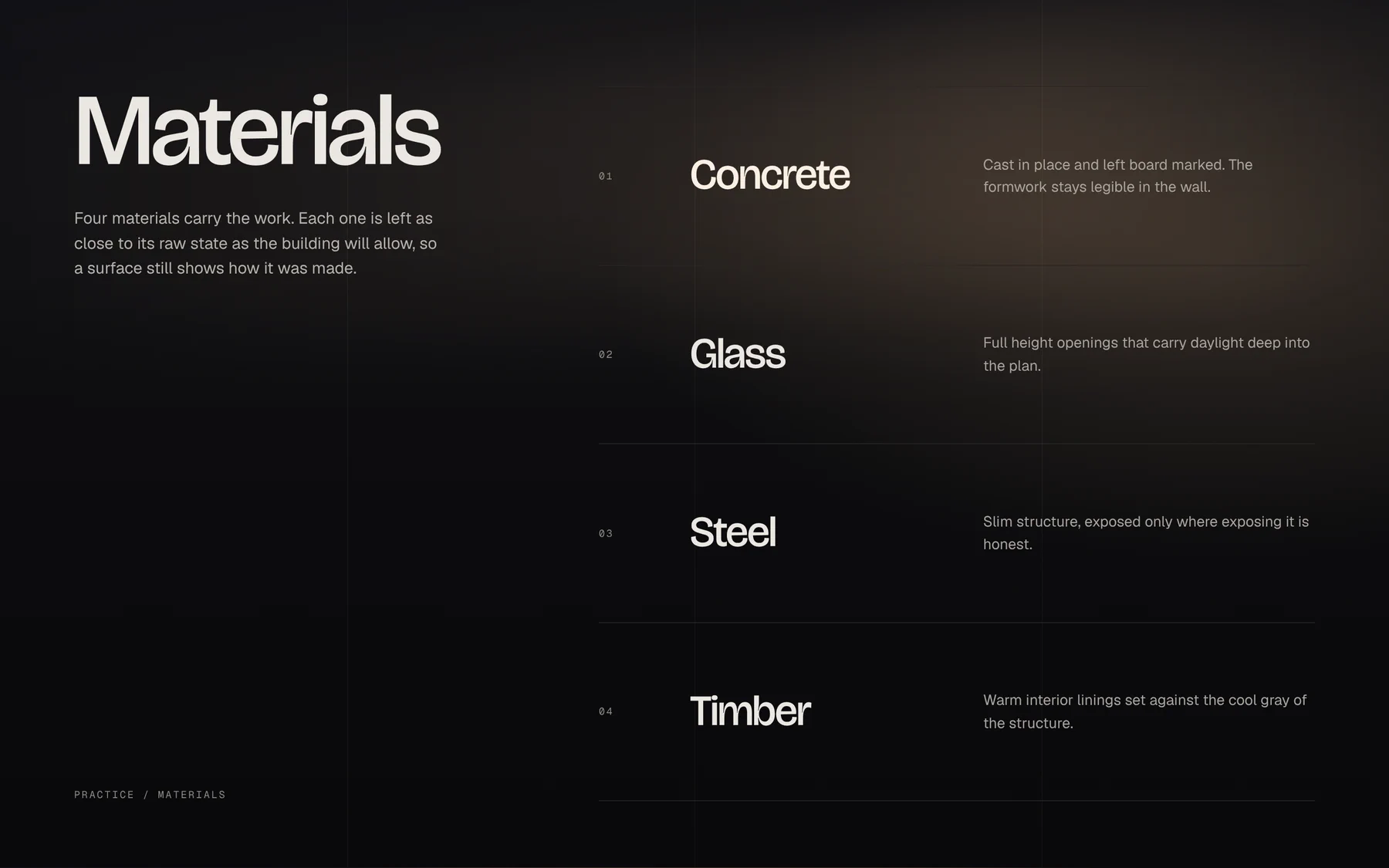
Week 4: the week-one sketch under the page it became Week 6-8
Motion and engineering
Animation with a purpose. Nothing moves just to move.
You get
- Motion running on your own content
- A reduced-motion version of everything
- The production site, page by page
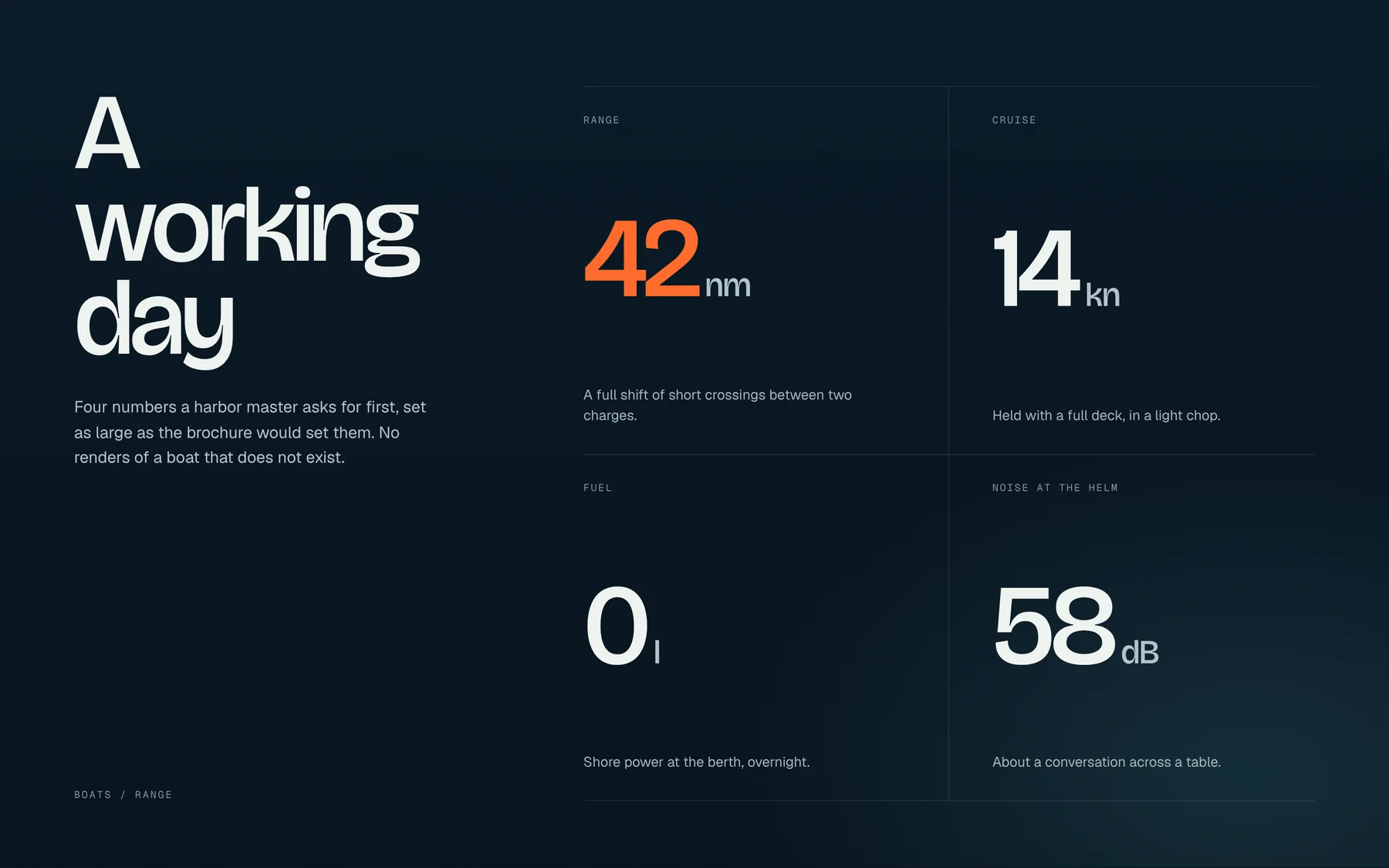
Week 7: the production page, built from the approved design Week 9-10
Launch and handoff
Deployed, documented, and yours. No lock-in.
You get
- Deployment and DNS
- Repository, documentation and a handoff call
- Every page checked on desktop and phone
your-site/
  README.md           how to run it, on one page
  docs/decisions.md   why each choice was made
  src/                the site, yours to change
Week 10: the repository, handed over


You talk to the people doing the work. There is no account manager.
Approach