4 min read
Every page of this site is read past a graphite ribbon, and the reading is the point: the ribbon sinks under a line of text wherever it would cross one. That leaves a visitor who wants to see the object itself with nowhere to look. So there are keys, listed under the question mark and in a card behind Keys in the footer.
Hold T
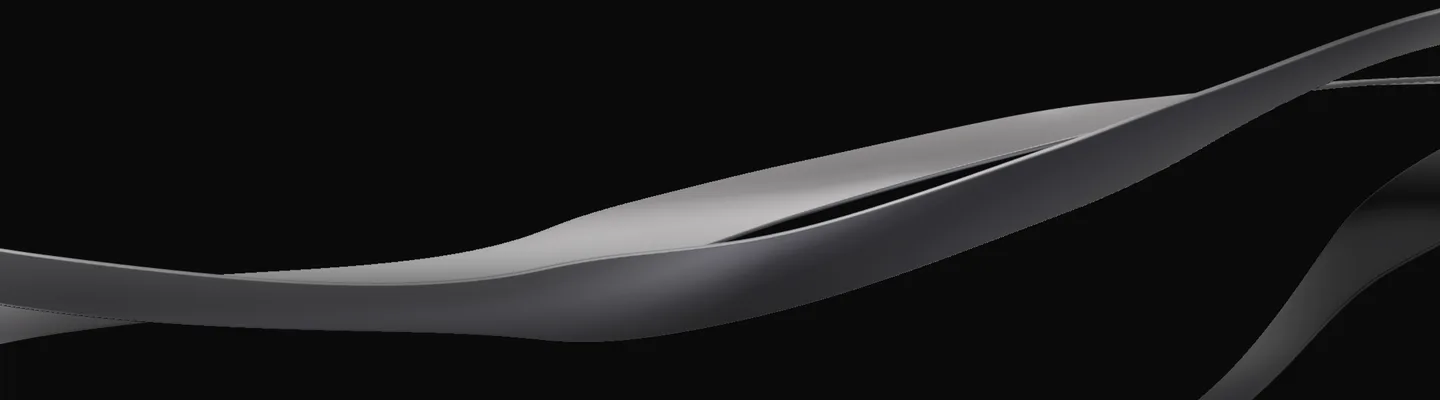
While T is held, the text, the bar and the footer step back and the ribbons draw without the mask that sinks them under the reading, without the work's pictures and without the headline cut out of them. While it is held the pointer turns the sculpture, a few degrees each way, so it can be looked round. Let go and the page comes back at the same pace. A window that loses focus with the key down lets go too.
// the reading mask, eased out while T is held
const want = alone.on ? 1 : 0;
aloneEase.current += (want - aloneEase.current) * 0.12;
uniforms.uReadFade.value = fade * (1 - aloneEase.current);Hold S
While S is held the page goes back to its wireframe. Every line of type becomes a bar the length of the line, in its own color a step down; every picture, video and live concept becomes a crossed box with its size in pixels; each heading and deck gets its type in the margin, the role and the size over the leading, read from the page's own computed styles. The canvas draws the ribbons as the mesh they are built from and puts the work's pictures away. The bars are a line-through, not a new font, so nothing changes size and nothing on the page moves.
The page does not flip: one lit line crosses the screen and the wireframe is drawn behind it, a view transition of its own type over the page as it was. Let go and the line crosses again with the finished page behind it. With reduced motion it simply changes. On a phone, press and hold “Hold for the wireframe” in the footer.
These are nearly the rules the sketches in the studies are drawn by, described in “A sketch drawn from the finished page”, applied to the page you are on while it runs. The one difference is display type, which is a bar here and an outline there.
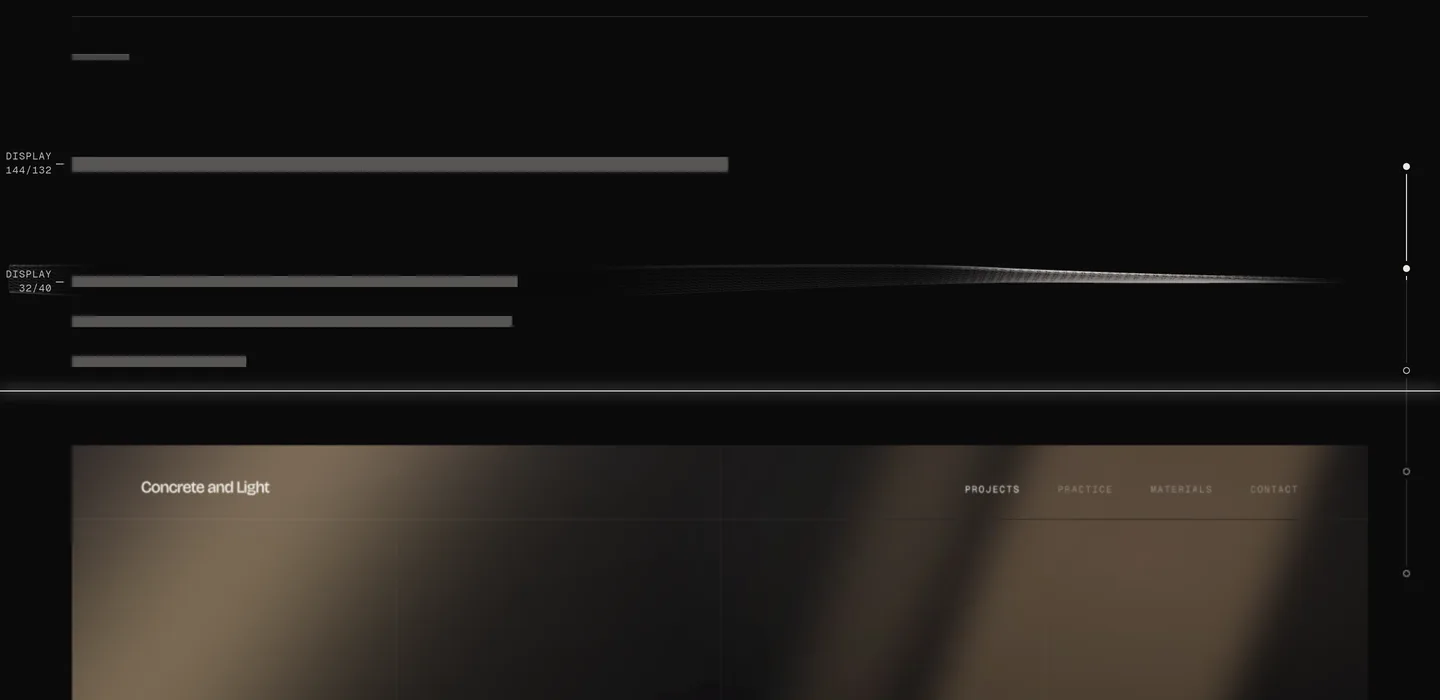
/* a line of type becomes a bar the length of the line */
html[data-sketch] :is(.page, .site-nav, .site-footer) * {
  -webkit-text-fill-color: transparent;
  text-decoration-line: line-through;
  text-decoration-thickness: clamp(2px, 0.34em, 15px);
  text-decoration-color:
    color-mix(in srgb, currentColor 34%, var(--color-ink));
}Press P
P keeps the frame: the canvas is drawn once more without the mask and without the pictures, laid on the page's own ground at the screen's own resolution, and saved as a picture with one line of type for the page, how far down it was and when. It is downloaded to your machine and sent nowhere.
J, K and G
J and K step to the next and the previous chapter. Every chapter opens on a hairline, so a step lands on the line the thread lies down on. G draws the construction grid over the page, the twelve columns everything is set on. None of the keys listen while you are typing, or when a modifier is held.
Cmd K, and the rail
Cmd K, or Ctrl K, opens one field that finds every page, study and note and everything the keys do, and from three letters the words inside the notes as well: choose a result and the note opens on that paragraph, lit. On a phone the same field is in the menu.
On a wide screen the rail down the right margin of the home page and of each study is a grip as well as a list: drag along it and the page follows the pointer between the marks, so the whole thread runs under the hand, every pose in order.