Original studio projectElectric boatyard2026

Slack Water

The brief

Help an operator choose a workboat around a real working day, not a wall of battery specifications.

Brand direction, design & development

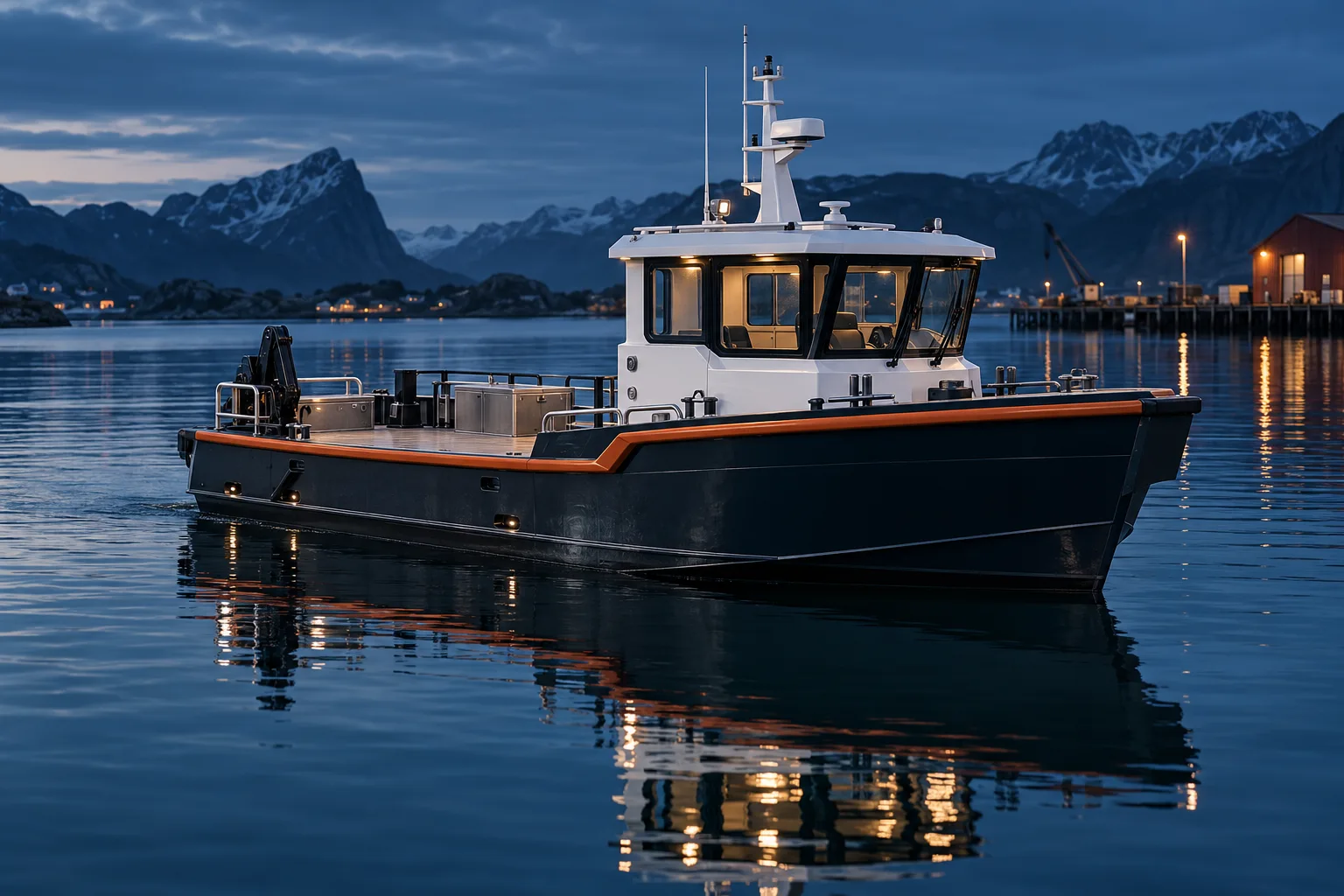
The navy-and-orange SW 8 electric workboat concept moored in a quiet harbor beneath mountains.
SW 8 / Harbor operations

Start with the day it has to do.

We built a product experience around three electric-workboat platforms. Fleet comparison explains the differences; a working-day planner makes the operating assumptions visible. The chosen platform and edited scenario continue into configuration and a downloadable brief.

Product and brand direction, original concept imagery, design and development. The vessels and specifications are illustrative studies. The planner explains its model; it is not a certified range prediction.

Compare
Three platforms, side by side
Understand
A transparent working-day model
Continue
A configuration with context

The thinking, in the work

01 / Design decision

Compare the job, then the numbers.

A wide specification table hides the alternatives on a small screen.

The three platforms share a recognizable visual family but serve different jobs. Comparison groups keep the same specification visible across the selected boats on a phone; a table supports wider screens.

Compare the fleet (opens in a new tab)
The live Slack Water comparison with all three platforms grouped by specification on mobile and arranged in a table on desktop.
Fig. 02

The full render, 2700 px wide. Drag or scroll to move around.

The comparison keeps model values together, so the visitor can judge the tradeoff without remembering another screen.

02 / Design decision

Make the assumptions visible.

An unexplained range number says little about a demanding day on the water.

Speed, time, load and reserve feed a visible model. Propulsion and auxiliary demand are shown separately. The edited day can continue into the chosen platform’s configuration instead of silently resetting.

Try the SW 10 working day (opens in a new tab)
The live SW 10 working-day planner with operating inputs, propulsion and auxiliary energy, distance and its own planning allowance.
Fig. 03

The planner exposes the operating inputs and energy breakdown. Its limits are stated alongside the result.

The working website

Put a working day through it.

Compare a platform, change the operating day and inspect the configuration it produces. Carry the chosen platform and edited assumptions into the brief.

  1. 01

    Compare platforms

    Choose the capabilities the working day needs before opening a planner.

    (opens in a new tab)
  2. 02

    Change the day

    Adjust operating inputs and read the assumptions beside the result.

    (opens in a new tab)
  3. 03

    Review the configuration

    Inspect the platform, refine the requirements and download a summary.

    (opens in a new tab)

The complete website

Explore the working website here, or open the full experience to follow every page and interaction.